Every design system needs more than a base colour. Designers usually need a full range of tints and shades that can be reused across interfaces, components and code.
Creating those variations manually, naming them, drawing them on the canvas and then rebuilding the same palette as Figma styles is repetitive work.
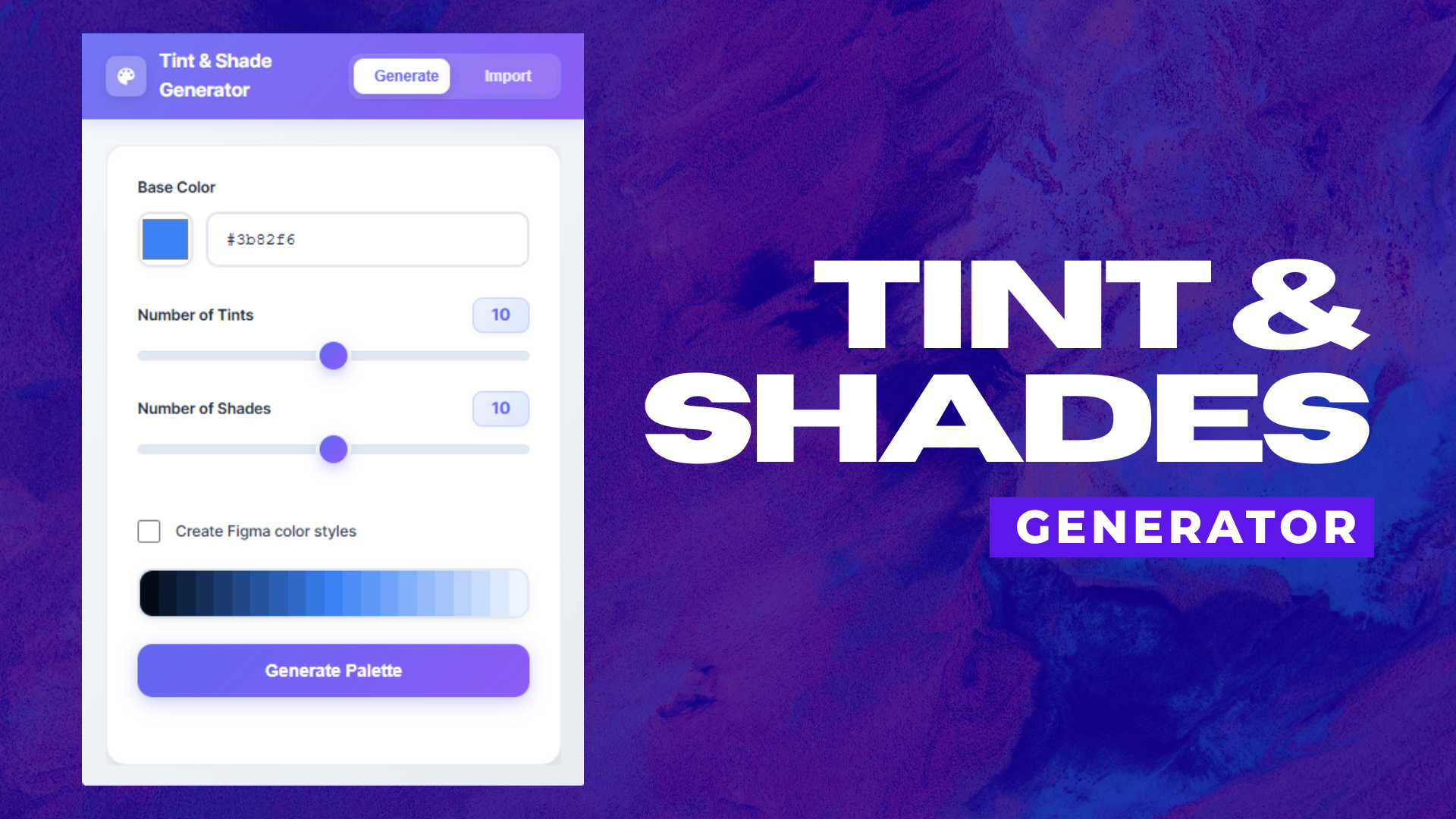
Tint and Shade Generator turns one base colour into a ready-to-use design system palette in seconds. From one base colour to a ready-to-use design system palette
What it does
The tool combines three parts of the colour-system workflow in one place:
Generate structured tints and shades from a base colour
Draw the complete palette automatically on the Figma canvas
Optionally create reusable Figma colour styles at the same time
You control how many tints and shades you want, so the output can match the needs of your design system instead of forcing a fixed scale.
Generate tints and shades with full control over the output
From web to Figma
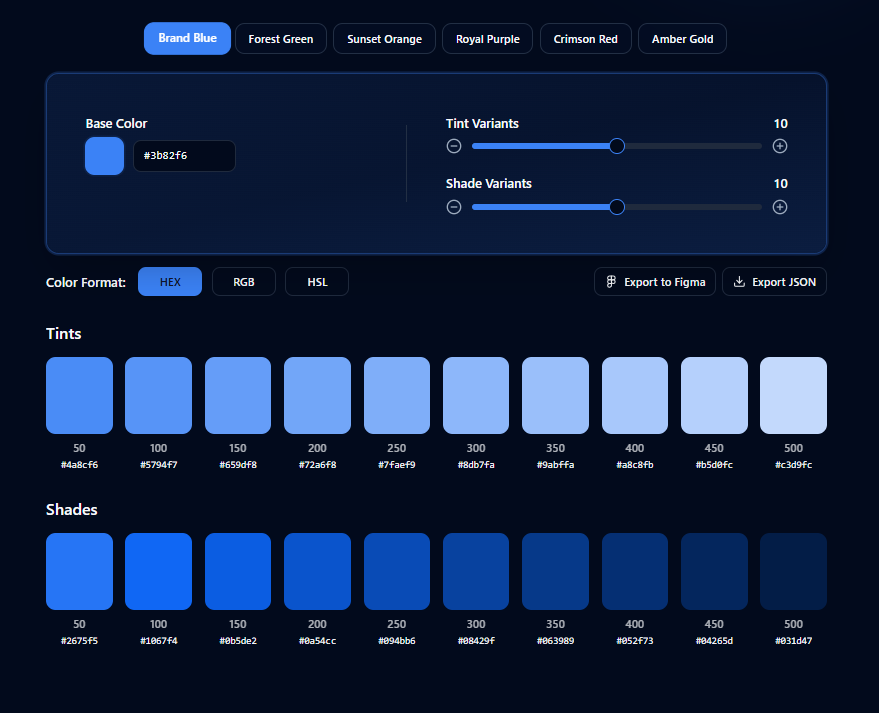
The web app is useful when you want to quickly explore a colour scale and generate variable-ready code.
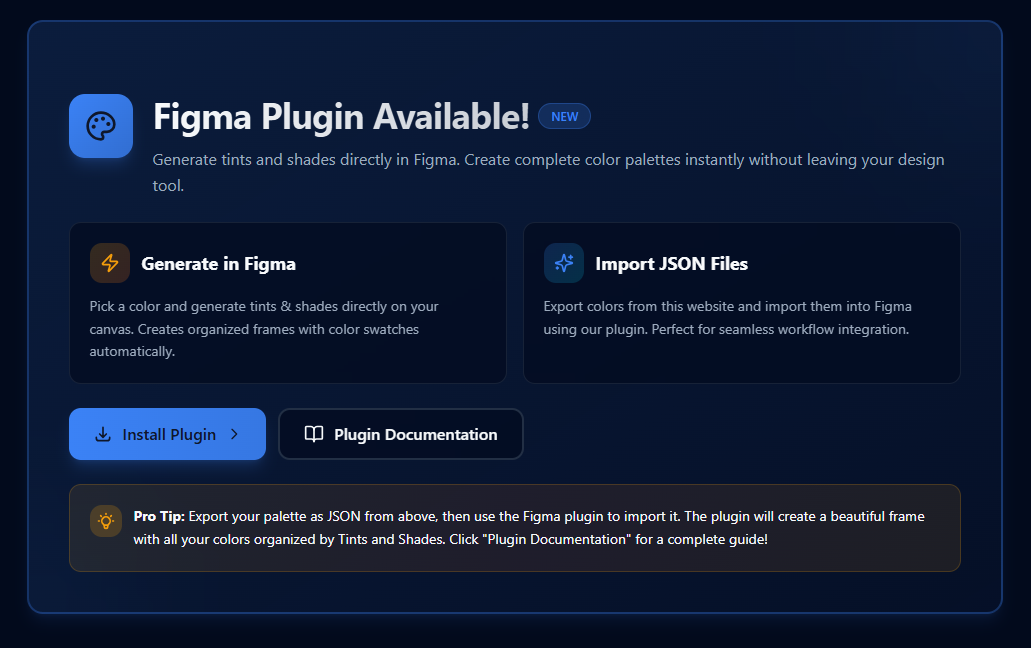
The palette can then be exported as JSON and imported into the Figma plugin.
Inside Figma, the plugin can automatically:
Recreate the palette
Draw organised colour swatches on the canvas
Create reusable Figma colour styles if selected
That means the same palette can move from exploration into an actual design workflow without being rebuilt manually.
A complete colour workflow across web and Figma
It's available as:
The problem was not generating lighter and darker colours. The real problem was everything that came afterwards.
A designer could generate colour values somewhere else, but still have to manually recreate the palette inside Figma, draw the swatches, organise them and create styles one by one.
I wanted the output to be useful immediately.
I first launched the web version in September 2025, then released the Figma Community plugin in December 2025 so the same workflow could sit inside the actual design environment instead of a separate tab.
A useful design tool should not stop at generating values. It should help prepare those values for actual use.
Tint and Shade Generator inside the Figma workflow
Where it stands today
The Figma plugin has more than 100 users and has received multiple updates since launch.
It has also been used independently by other practitioners in the design community, including Product Designer Adanna Ogude, who used and publicly shared both this tool and the A11y Smart Color Contrast Checker.
For me, the goal was never simply to publish another plugin. It was to remove a small but repetitive part of design-system work and make the output immediately usable.
Try the project
If you're setting up or maintaining a design system, you can try it here: